
How to Descale an Espresso Machine (Step-by-Step Guide)
Is your espresso suddenly tasting flat, sour, or weak? Then your machine probably needs descaling. Over time, minerals from your water build up inside the boiler and pipes. As a result, water flow slows, temperature drops, and shot quality falls. The good news: descaling is easy, and doing it regularly is the single best thing you can do to make your espresso machine last. This step-by-step guide shows you exactly how.
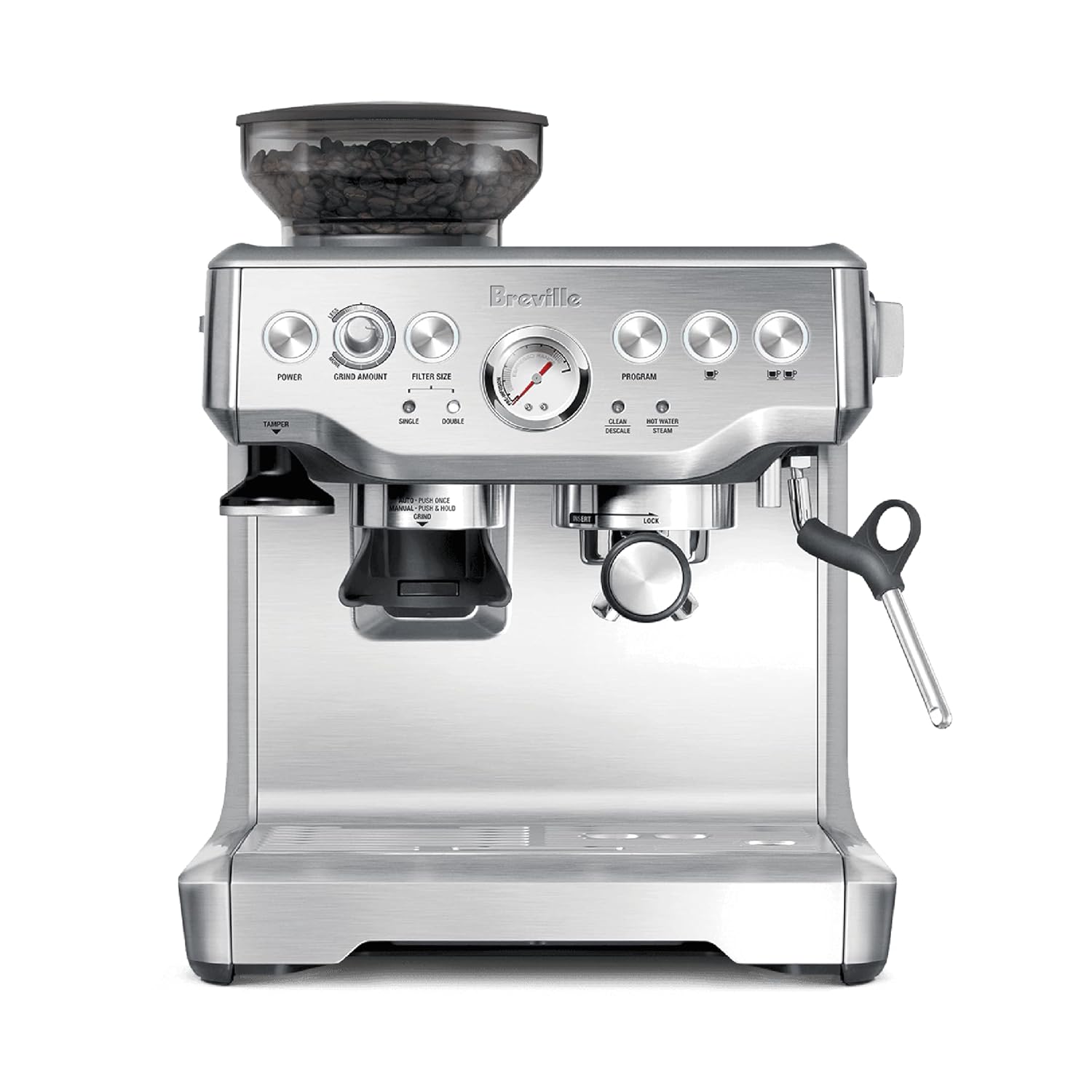
Our top pick
Breville Barista Express Espresso Machine
★★★★☆ 4.5 (27,535 Amazon ratings)
~$690 typical price on Amazon
Read the full review →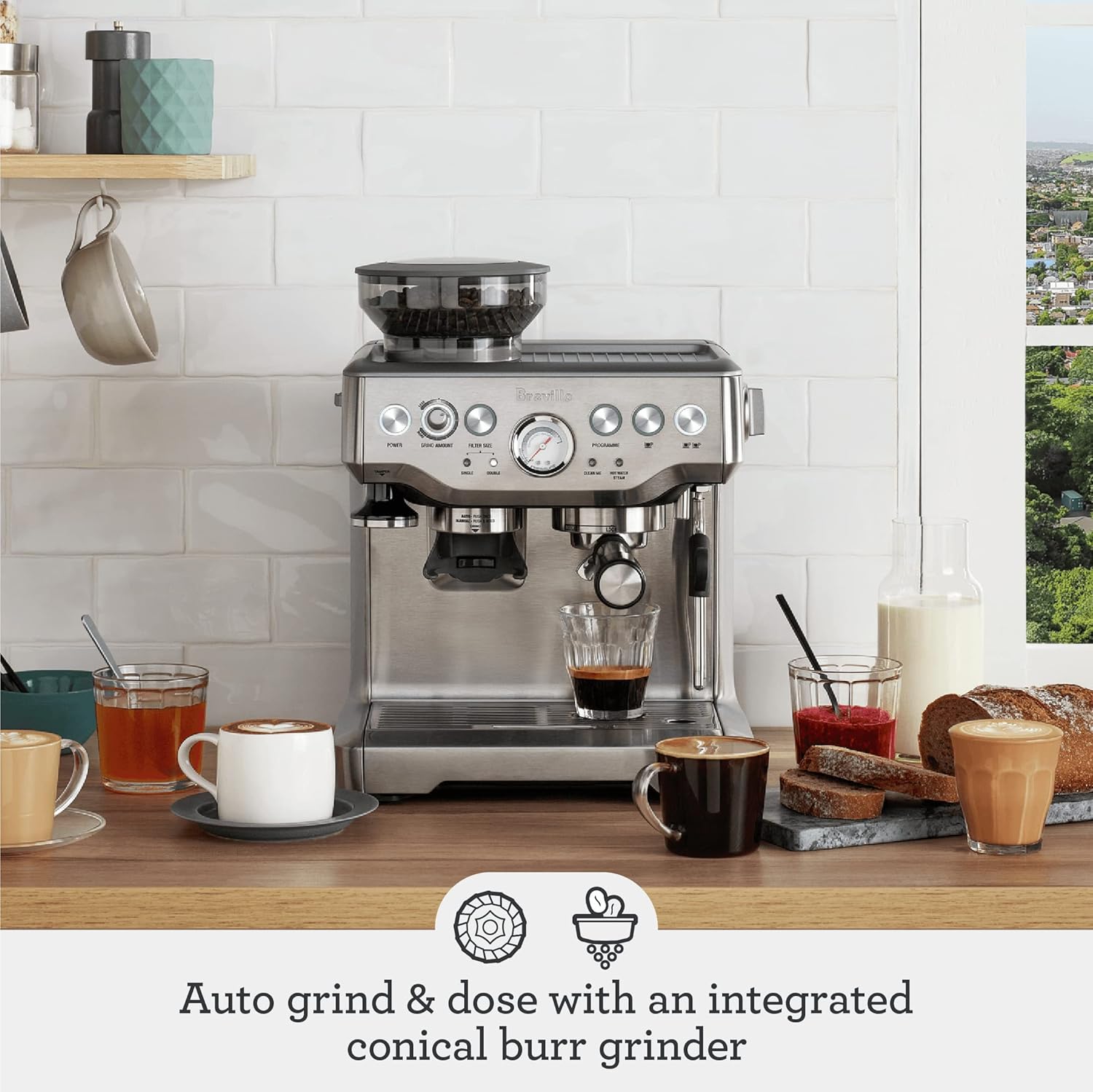
Why Descaling Matters
Hard water leaves limescale inside your machine, just like it does in a kettle. Consequently, the heating element works harder, water flows slower, and your shots come out cooler and weaker. Left long enough, scale can block the machine entirely. In fact, mineral buildup is the number-one cause of broken home espresso machines. Therefore, regular descaling is not optional maintenance. It is what keeps your machine alive and your coffee tasting right.
How Often Should You Descale?
It depends on two things: your water hardness and how often you brew. As a general rule:
- Hard water, daily use: every 4–6 weeks.
- Medium water, daily use: every 2–3 months.
- Soft or filtered water: every 3–4 months.
Many machines have a descale light that tells you when it is due. However, do not wait for it if your coffee already tastes off. A quick tip that reduces buildup: use filtered water instead of hard tap water. As a result, you will descale far less often.
What You’ll Need
- A descaling solution (or food-grade citric acid, or white vinegar diluted with water).
- Fresh water.
- A large container to catch the water.
- About 30 minutes.
We recommend a dedicated descaling solution over vinegar. Vinegar works, but it can leave a lingering smell and is harsher on internal seals. Always check your machine’s manual first, because some manufacturers require a specific product to keep the warranty valid.
Step-by-Step: How to Descale an Espresso Machine
- Empty and clean the machine. Remove the water tank, dump any old water, and take out the filter if you use one. Then rinse the tank.
- Mix your descaling solution. Follow the product instructions. For citric acid, a common ratio is about one tablespoon per liter of water. Pour the solution into the tank.
- Run the solution through. Place your container under both the group head and the steam wand. Then run roughly a third of the tank through the brew head, a third through the hot water spout, and a third through the steam wand. This descales every path.
- Let it sit. Turn the machine off and let the remaining solution rest inside for 15–20 minutes. As a result, it dissolves the toughest scale.
- Run the rest through. Switch the machine back on and run the remaining solution out through all paths until the tank is empty.
- Rinse thoroughly. Refill the tank with fresh, clean water and run two or three full tanks through every path. This step is essential. Do not skip it, because any leftover solution will ruin the taste of your next coffee.
- Reassemble and test. Put the filter back, refill with fresh water, and pull a test shot. You should notice faster flow, hotter water, and a better-tasting espresso right away.
After Descaling: Keep It Clean
Descaling handles the inside of the machine. However, daily cleaning matters too. So wipe the steam wand after every use, backflush the group head if your machine supports it, and empty the drip tray regularly. Together, these habits keep your machine running for years.
The Bottom Line
Descaling takes about 30 minutes and protects an appliance that can cost hundreds of dollars. Therefore, put it on a schedule and stick to it. If you are still shopping for a machine, our best espresso machines guide highlights models with easy, guided descaling cycles that make this whole process even simpler. You can also learn the difference between machine types in our super-automatic vs semi-automatic guide.
As an Amazon Associate, ChefKit Prime earns from qualifying purchases at no extra cost to you.